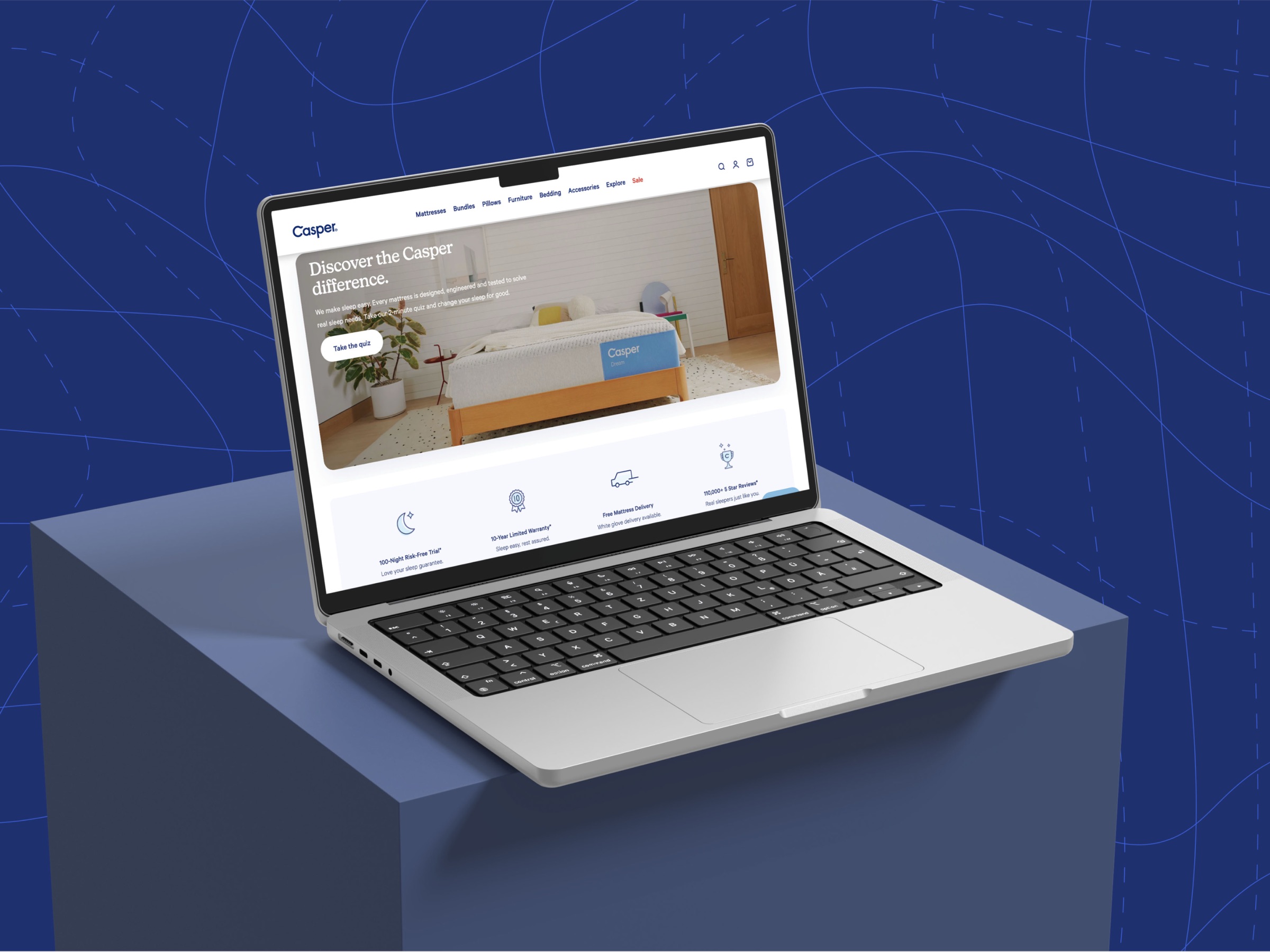
How I rebuilt a Shopify component library in Figma from scratch and eliminated "Design Drift" — resulting in a 90% reduction in Design QA time.
Casper was working with an outdated Figma component library that didn't keep up with the real complexity of the Shopify code. That created a systemic problem known as "Design Drift": what was designed was not what got built.
In practice, designers were forced to detach component instances to customize them manually, and developers had to guess hover states, active states, and responsive behavior — creating inconsistency across the entire e-commerce operation.
Inconsistent states and visibility rules created discrepancies between design mockups and production code — and constant rework.
Developers received static designs with no dynamic component properties, so they had to interpret and guess interactive behavior.
Maintaining and updating hundreds of component instances was slow and error-prone, holding back the operation's ability to scale.
The existing library didn't reflect the Shopify Polaris framework, opening a growing technical gap between design and engineering.
I worked at the Design Operations layer, rebuilding the system from scratch with a focus on technical parity. The core goal was to make Figma components "speak the same language" as the Shopify code.
I used Nested Instances for modularity and Boolean Properties to cut the number of variants from hundreds to dozens, making the library light and intuitive. Every component was set up with Auto Layout and specific grids to replicate the responsive behavior of Shopify's Polaris framework.
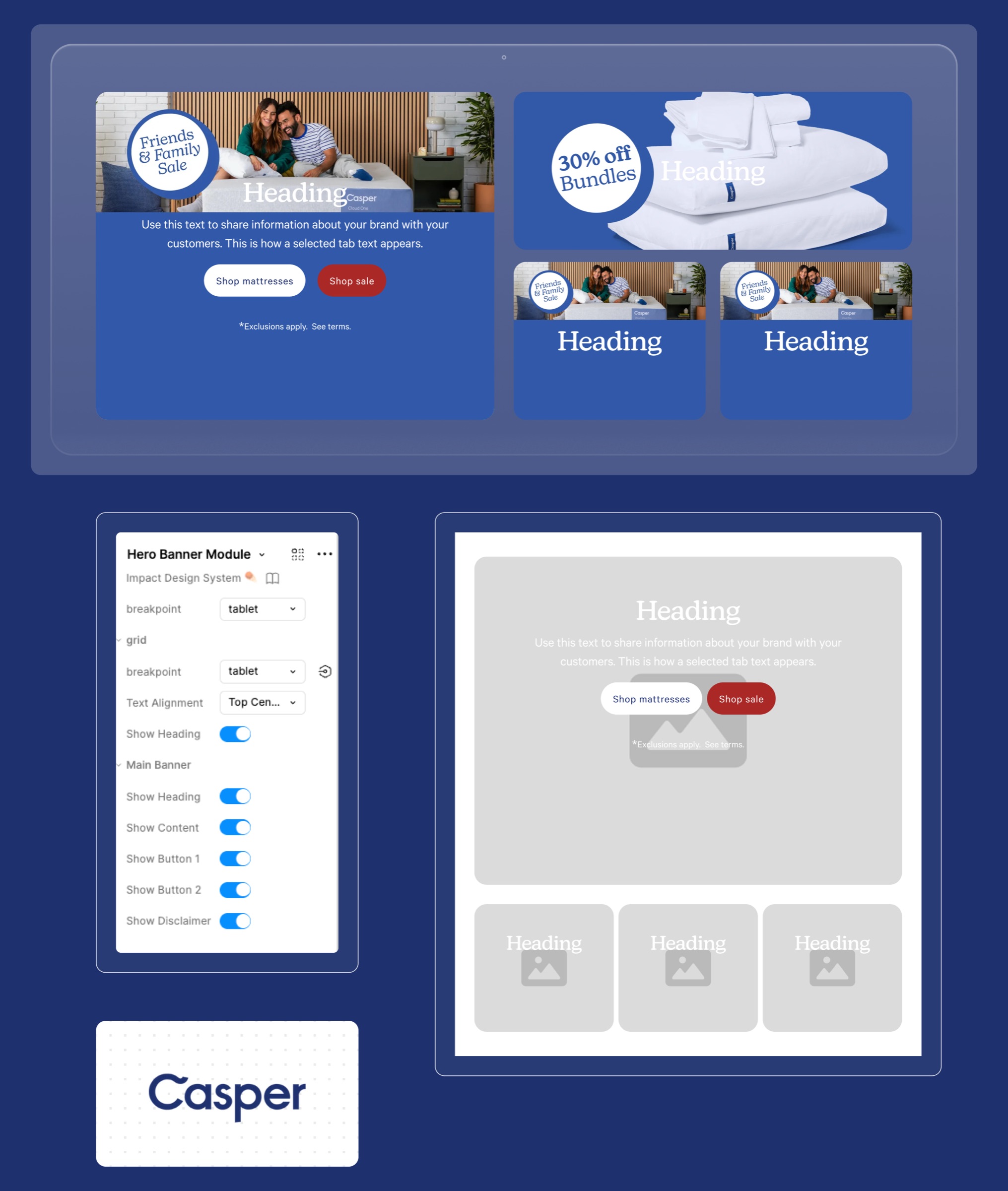
The rebuilt library: modular components with Boolean Properties, Variants, and Nested Instances mirroring Shopify Polaris behavior.
The solution pushed Figma's advanced features to their limit to reach real functional parity with the Shopify code.
| Figma Feature | Goal & Implementation |
|---|---|
| Variants | Used extensively to manage fixed states (Active, Disabled, Hover) and primary types (Primary Button, Secondary Button), simplifying component selection. |
| Boolean Properties | Implemented for every visibility option (Show Icon, Show Tooltip). They allowed elements to be toggled on/off without creating hundreds of variants. |
| Nested Instances | Used for modularity. Complex components (Card UIs, Navigation Bars) reused simpler components as nested instances, inheriting properties and making global updates seamless. |
| Auto Layout & Grid | Critical for responsive layouts. Configured to manage internal spacing and replicate Shopify's column structure and breakpoints. |
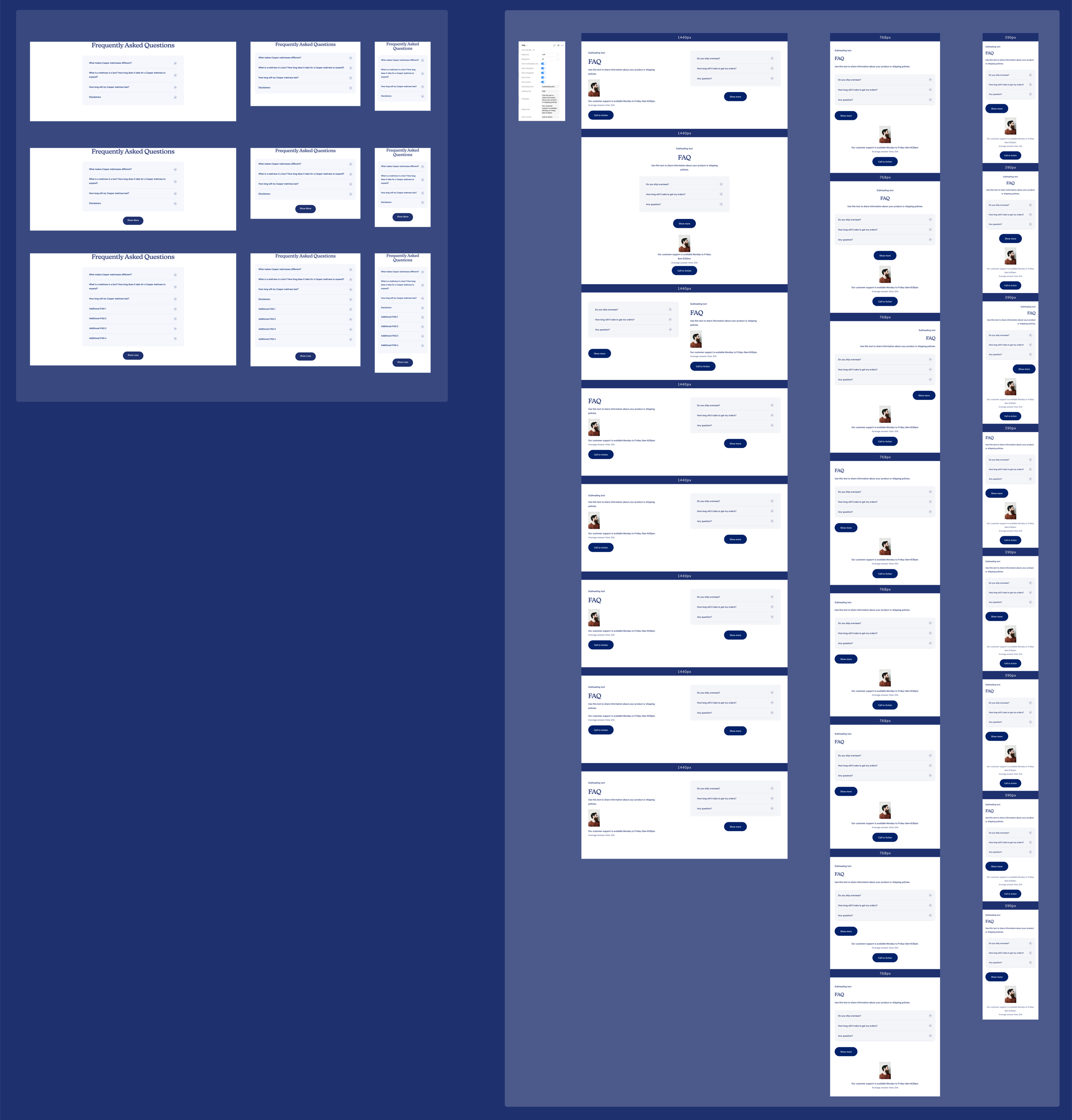
Workflow comparison: before (manual detaching and ambiguity) vs. after (property toggles and zero-ambiguity handoff).
| Category | Result |
|---|---|
| Efficiency | 90% reduction in time spent on Design QA. Designers began configuring components through toggles and variants instead of editing layers by hand. |
| Developer Handoff | Zero ambiguity in specs. Developers got precise specifications for dynamic behavior (states, responsiveness, visibility logic) straight from the properties panel. |
| Design Integrity | "Design Drift" eliminated: every new design created with the library was inherently consistent with production code. |
| Scalability | The library established a modular, robust foundation, letting Casper scale its design operations around a single source of truth. |
"The handoff became 'zero ambiguity': Figma properties started speaking the same language as the code properties."